A quiet banner in the corner never stood a chance against deep focus. Slapss takes over your whole screen the second a meeting starts. You will not miss it.
Slapss does the opposite. When it is time, it covers every display you have, with the one thing you need to see and a single tap to join.
The alert lands on every display at meeting time. Impossible to scroll past, impossible to miss. Press Escape and you are back to work.
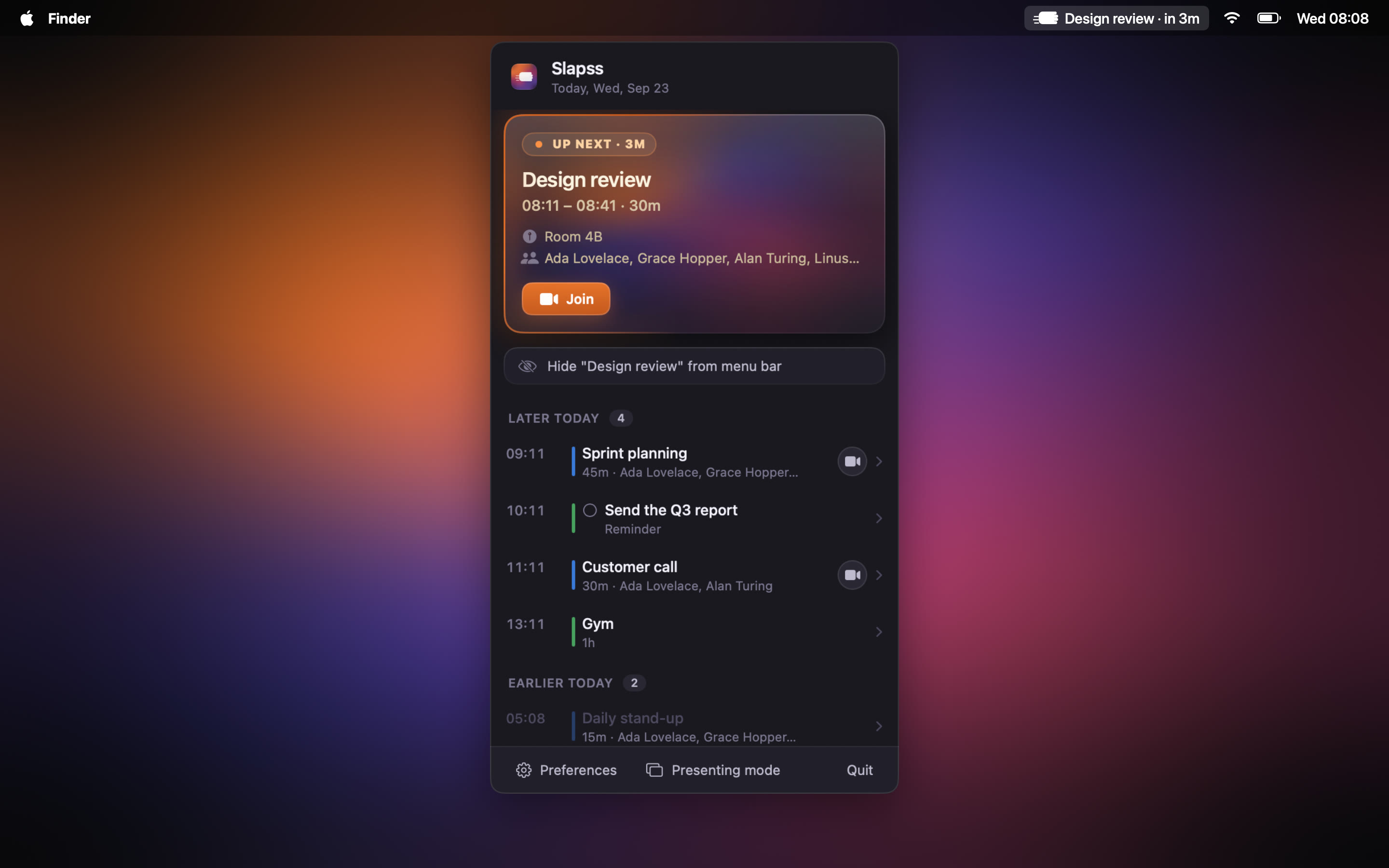
Slapss reads the link from the event, so Zoom, Teams, Meet, and Webex are one click away the moment the alert appears.
Full-screen overlays for macOS Reminders, with one-tap completion right from the alert.
Set your own lead time so the alert fires exactly when you want, whether that is at the start or a few minutes before.
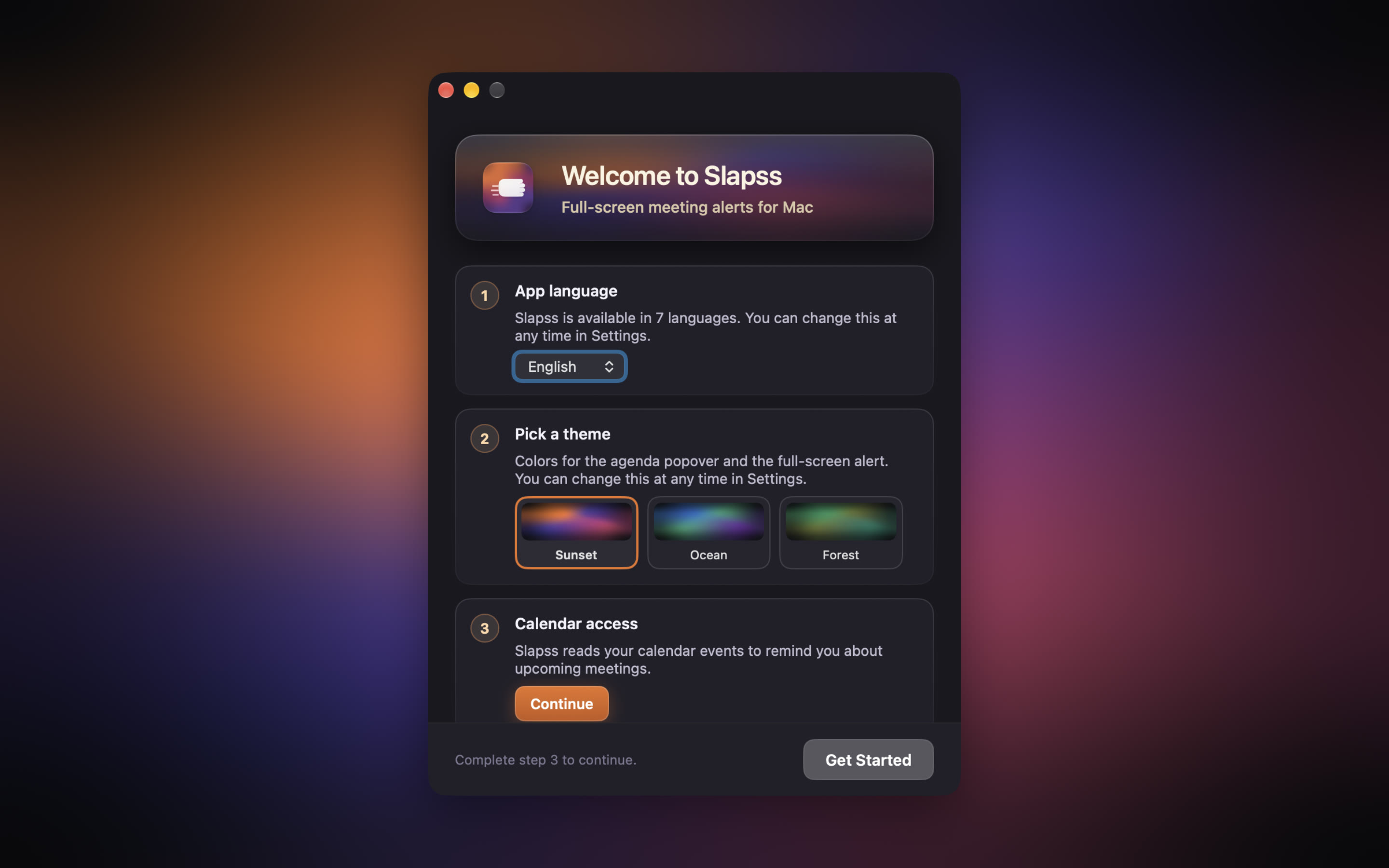
Switch language on the fly, no restart required.

No subscription, no paywall, no analytics, no account. Slapss reads your calendar locally and sends it nowhere. There is nothing about you to collect, and that is the whole point.
And you don't have to take our word for it. Slapss is open source — read the code and check.
Yes. No subscription, no in-app purchase, no trial that runs out. Free, for good.
No. There is no tracking or analytics of any kind. Your calendar is read on-device and never leaves your Mac. Slapss is open source, so this is something you can verify rather than something you have to trust.
Yes, since version 2.0. The complete source code is on GitHub under the Apache 2.0 licence. The Mac App Store version remains the only official build — that is the one you should install.
Any calendar in the macOS Calendar app, including iCloud, Google, and Outlook, plus Microsoft 365 and Exchange Online. You choose which ones can trigger an alert.
No. Slapss is built for macOS only, focused on doing that one thing well.